Word 2007
Working with Microsoft Equation
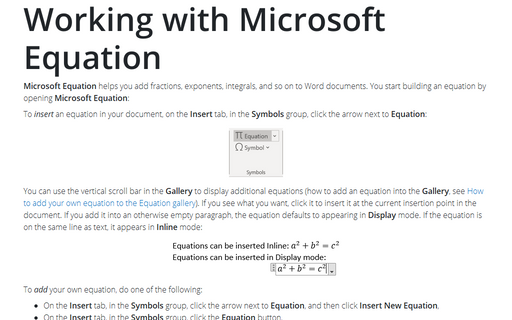
Microsoft Equation helps you add fractions, exponents, integrals, and so on to Word documents. You
start building an equation by opening Microsoft Equation:
Accessing document areas using the Document Map
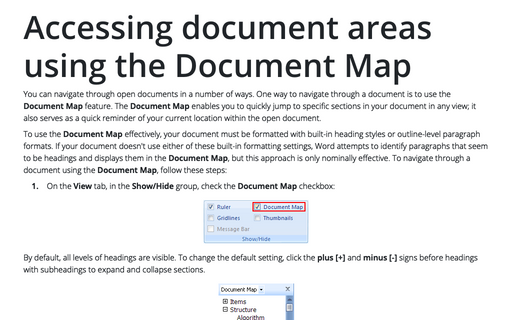
You can navigate through open documents in a number of ways. One way to navigate through a document is to
use the Document Map feature. The Document Map enables you to quickly jump to specific
sections in your document in any view; it also serves as a quick reminder of your current location within
the open document.
Opening Documents
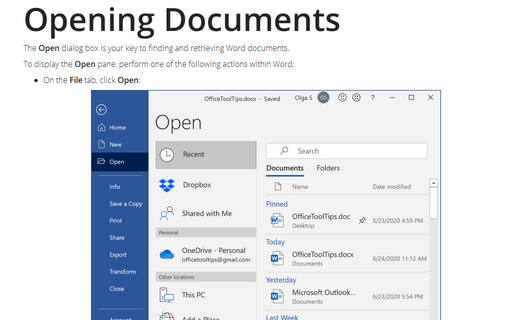
The Open dialog box,is your key to finding and retrieving Word documents.
Modifying subdocuments
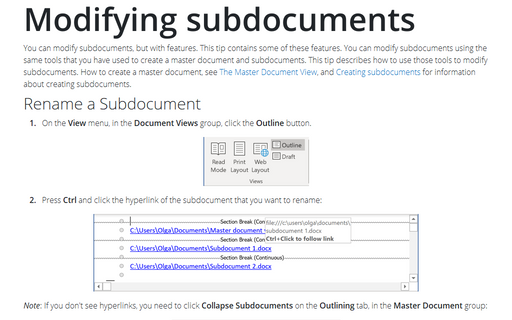
You can modify subdocuments, but with features. This tip contains some of these features. You can modify
subdocuments using the same tools that you have used to create a master document and subdocuments. This tip
describes how to use those tools to modify subdocuments. How to create a master document, see The Master Document View, and Creating subdocuments for information about
creating subdocuments.
Creating subdocuments
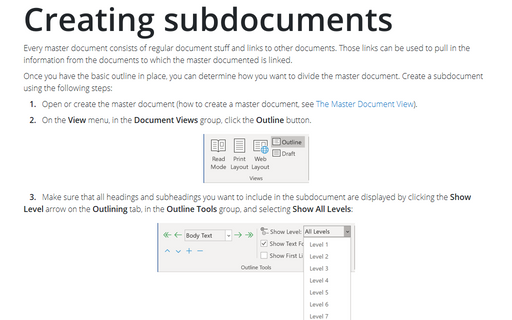
Every master document consists of a normal document stuff and links to other documents. Those links can be
used to pull in the information from the documents to which the master documented is linked.
The Master Document View
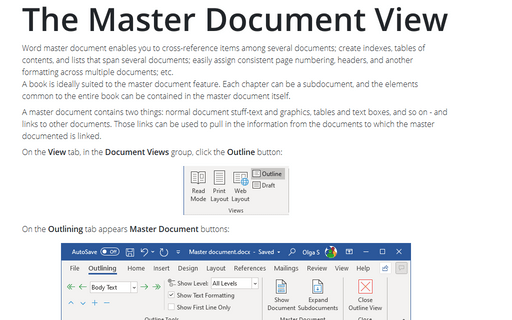
Word master document enables you to: cross-reference items among several documents; create indexes, tables
of contents, and lists that span several documents; easily assign consistent page numbering, headers, and
other formatting across multiple documents; etc.
A book is ideally suited to the master document feature. Each chapter can be a subdocument, and the elements common to the entire book can be contained in the master document itself.
A book is ideally suited to the master document feature. Each chapter can be a subdocument, and the elements common to the entire book can be contained in the master document itself.
Choose settings for checking grammar
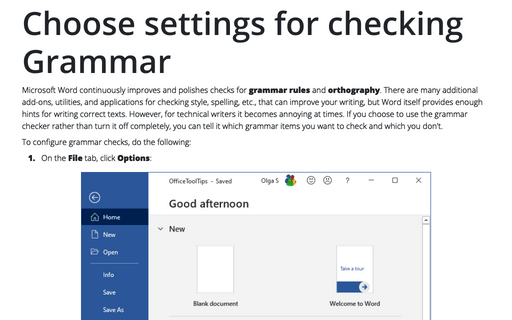
If you choose to use the grammar checker rather than turn it off completely, tell it which grammar items you
want it to check and which you don't.
Snap an object to the Grid or to a Shape
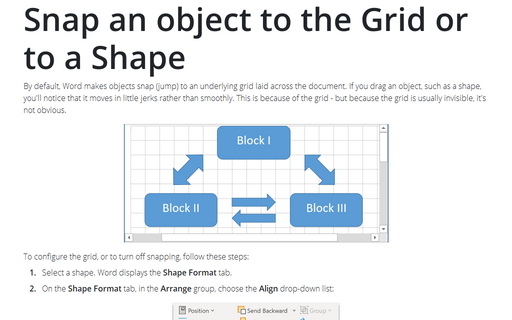
By default, Word makes objects snap (jump) to an underlying grid laid across the document. If you drag an
object, such as a shape, you'll notice that it moves in little jerks rather than smoothly. This is because
of the grid - but because the grid is normally invisible, it's not obvious.
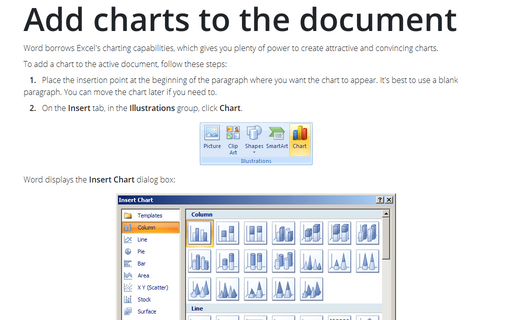
Add charts to the document
Word borrows Excel's charting capabilities, which gives you plenty of power to create attractive and
convincing charts.
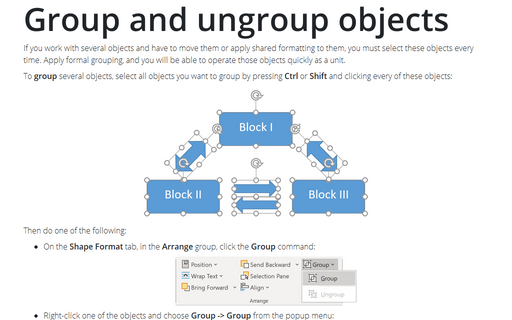
Group and ungroup objects
If you work with several objects and have to move them or apply shared formatting to them, you must select
these objects every time. Apply formal grouping and you will be able to operate those objects quickly as a
unit.