Message in Outlook 365
How to turn off AutoCorrect for the original message text
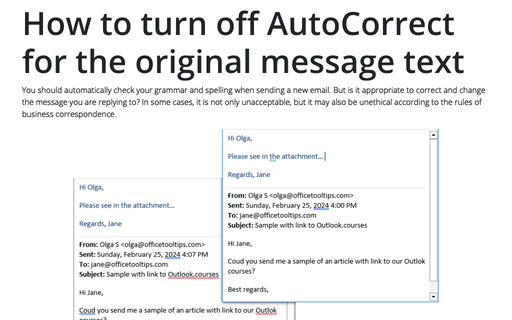
You should automatically check your grammar and spelling when sending a new email. But is it appropriate to correct and change the message you are replying to? In some cases, it is not only unacceptable, but it may also be unethical according to the rules of business correspondence.
Read and Unread email messages
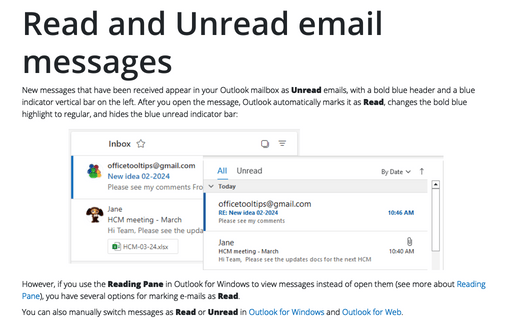
New messages that have been received appear in your Outlook mailbox as Unread emails, with a bold blue header and a blue indicator vertical bar on the left. After you open the message, Outlook automatically marks it as Read, changes the bold blue highlight to regular, and hides the blue unread indicator bar:
Message settings
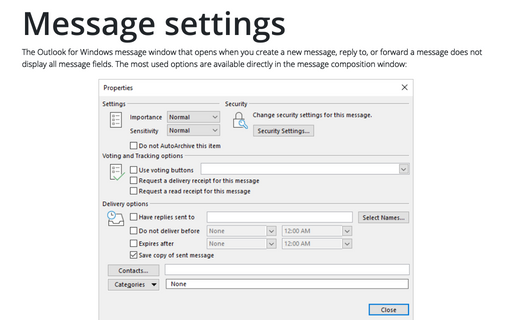
The Outlook for Windows message window that opens when you create a new message, reply to, or forward a message does not display all message fields. The most used options are available directly in the message composition window:
Messages with expiration date and time
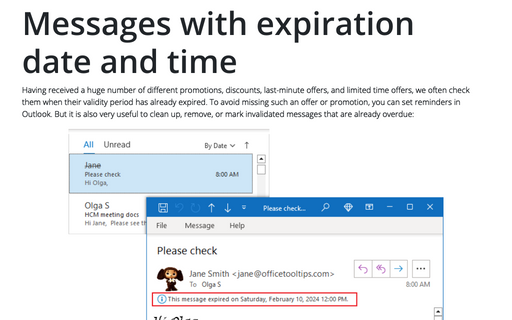
Having received a huge number of different promotions, discounts, last-minute offers, and limited time offers, we often check them when their validity period has already expired. To avoid missing such an offer or promotion, you can set reminders in Outlook. But it is also very useful to clean up, remove, or mark invalidated messages that are already overdue:
Message importance (priority)
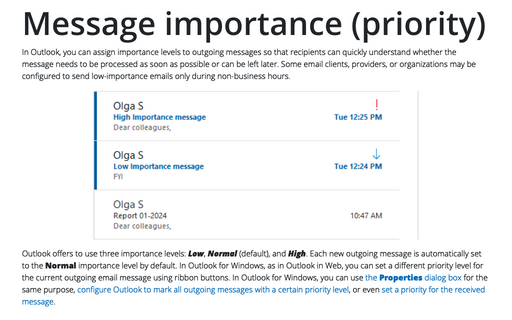
In Outlook, you can assign importance levels to outgoing messages so that recipients can quickly understand whether the message needs to be processed as soon as possible or can be left later. Some email clients, providers, or organizations may be configured to send low-importance emails only during non-business hours.
How to show the voting results
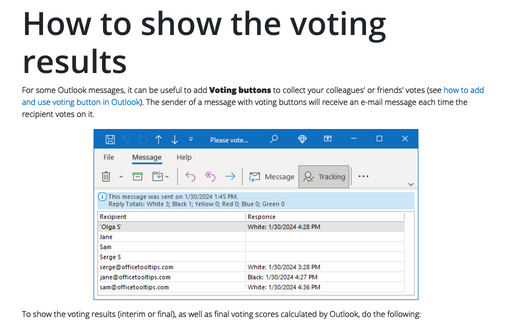
For some Outlook messages, it can be useful to add Voting buttons to collect your colleagues' or friends' votes (see how to add and use voting button in Outlook). The sender of a message with voting buttons will receive an e-mail message each time the recipient votes on it.
How to add and use voting buttons in Outlook
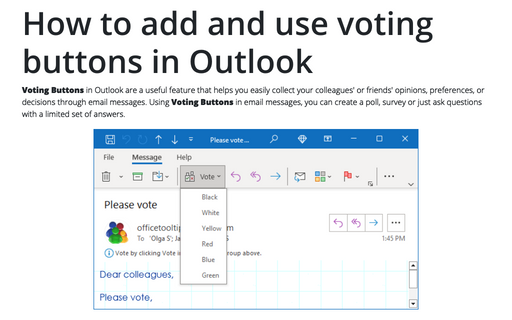
Voting Buttons in Outlook are a useful feature that helps you easily collect your colleagues' or friends' opinions, preferences, or decisions through email messages. Using Voting Buttons in email messages, you can create a poll, survey or just ask questions with a limited set of answers.
How to redirect replies
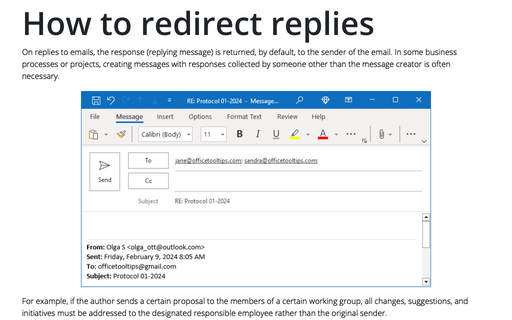
On replies to emails, the response (replying message) is returned, by default, to the sender of the email. In some business processes or projects, creating messages with responses collected by someone other than the message creator is often necessary.
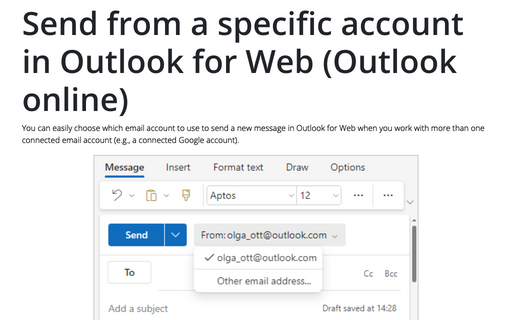
Send from a specific account in Outlook for Web (Outlook online)
You can easily choose which email account to use to send a new message in Outlook for Web when you work with more than one connected email account (e.g., a connected Google account).
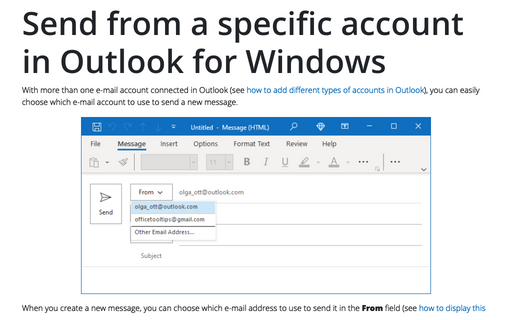
Send from a specific account in Outlook for Windows
With more than one e-mail account connected in Outlook (see how to add different types of accounts in Outlook), you can easily choose which e-mail account to use to send a new message.