Search Folders
Search Folders aren't really folders. Clicking a Search Folder will filter your mailbox (Deleted Items, Sent Items, Inbox, and subfolders) based on the specific criteria of that Search Folder.
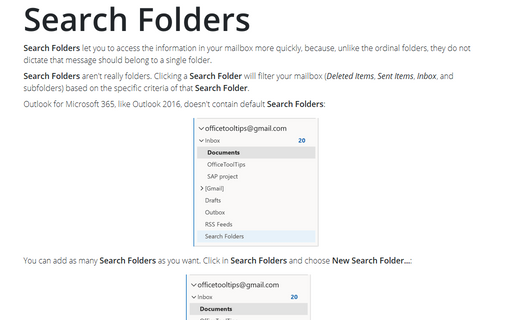
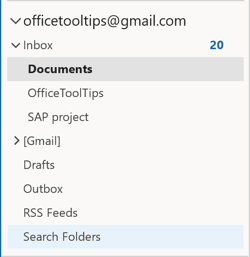
Outlook for Microsoft 365, like Outlook 2016, doesn't contain default Search Folders:
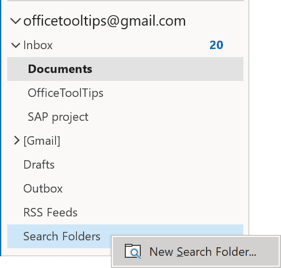
You can add as many Search Folders as you want. Click in Search Folders and choose New Search Folder...:
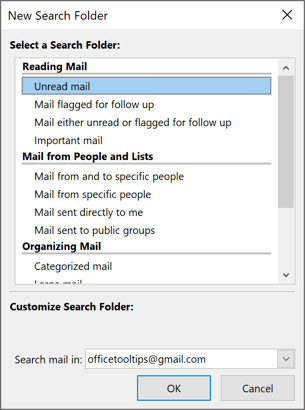
In the New Search Folder dialog box, choose from a variety of preset folders or create your own based on custom criteria like a keyword or a person's name:
If you access the same Search Folder often, you should drag it up to the Favorite Folders list so you can access it quickly.
See also this tip in French: Les dossiers de recherche.