Turn on/off document tooltips
Word
2010
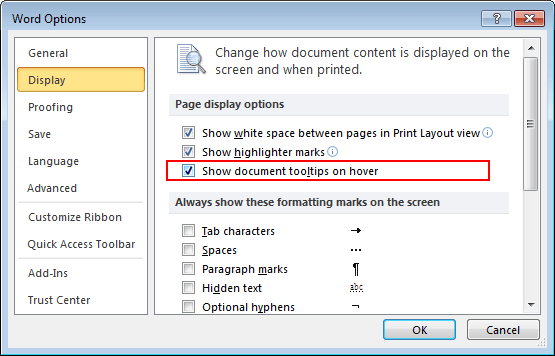
By default, Word shows document tooltips when you hover on a button, but this option can be turned off.
To do this, follow next steps:
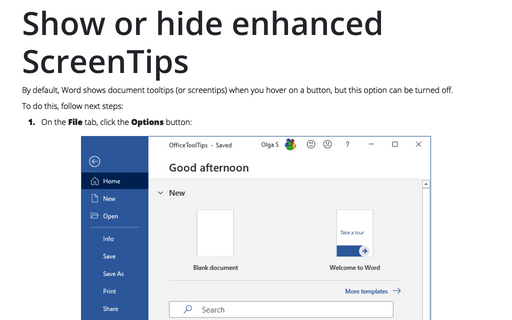
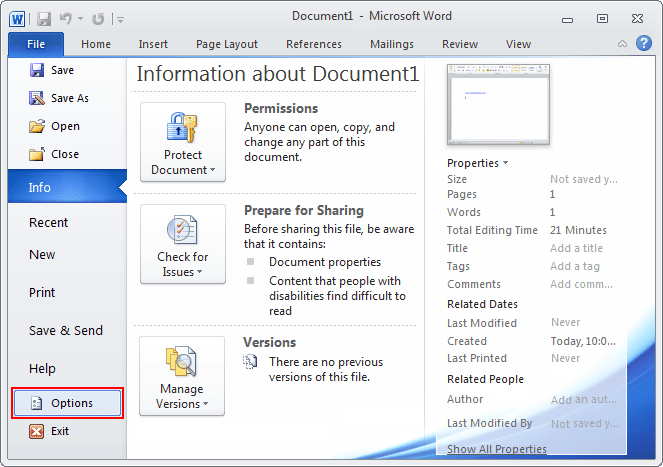
1. On the File tab, click the Options button:
2. In the Word Options dialog box, on the Display tab check or uncheck Show document tooltips on hover: