Create a Bibliography, References, or Work Cited
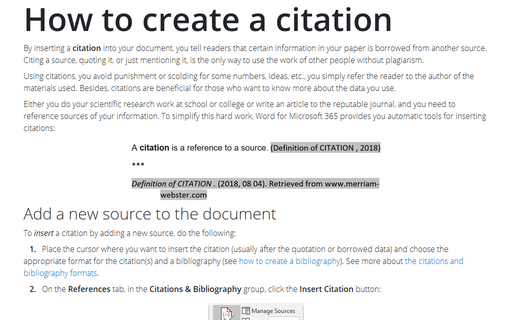
Before you create the bibliography, make sure you have replaced all placeholders with a proper citation (How to create citations, see How to create a citation). If you inserted a placeholder for a citation, the source will not appear in the bibliography. However, if you later replace the placeholder with source information, the bibliography will be automatically updated, and the new source will be added to the bibliography.
To create a bibliography, follow next steps:
1. Place the cursor where you want to insert the bibliography.
2. On the References tab, in the Citations & Bibliography group, click the Bibliography button and then do one of the following:
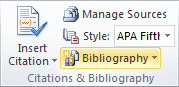
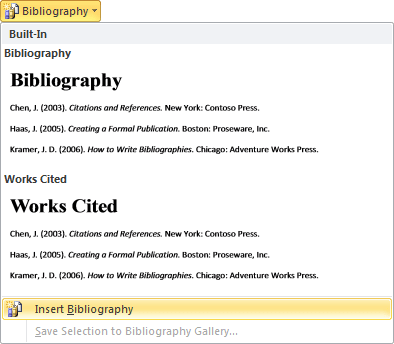
- Choose one of the built-in styles in the drop-down menu.
- Select Insert Bibliography at the bottom of the menu. You will need to add a heading, and you
cannot automatically update the bibliography.
Word creates the Bibliography or the Works Cited based on the sources:
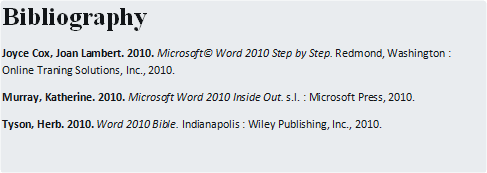
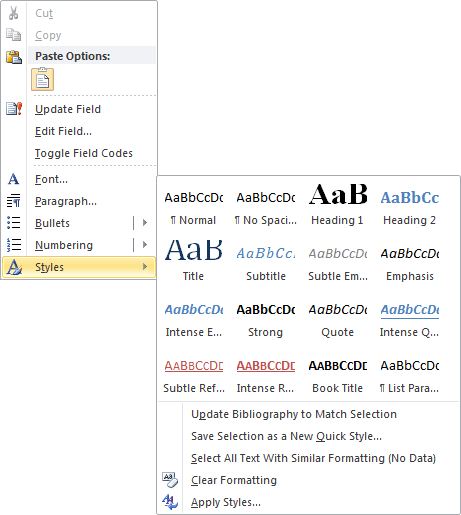
You can change style of your bibliography by right-clicking and choosing Styles in the popup menu: