Outlook 2007
Outlook command-line switches
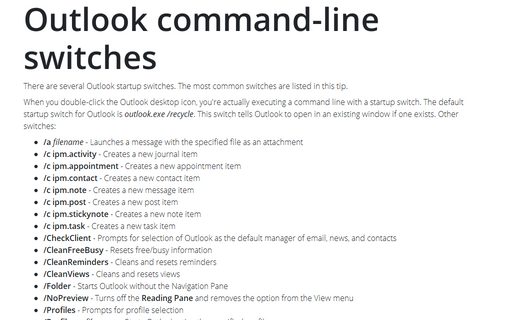
There are several Outlook startup switches. The most common switches are listed in this tip.
How to archive folder items in Outlook
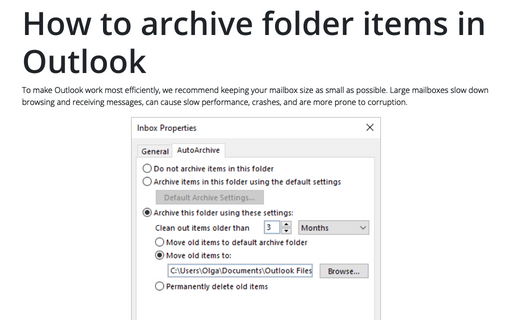
AutoArchive in Outlook moves old items to an archive. You can customize it for more comfortable using
of Outlook.
Hide a note's time stamp information
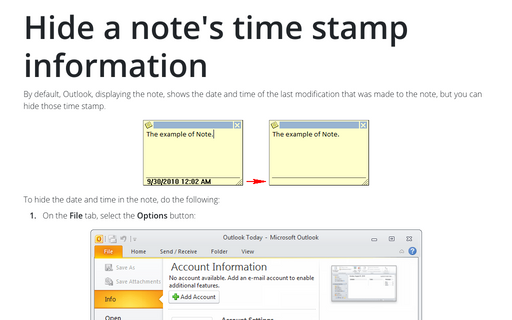
By default, Outlook, displaying the note, shows the date and time of the last modification that was made to
the note, but you can hide those time stamp.
Change the color of a note
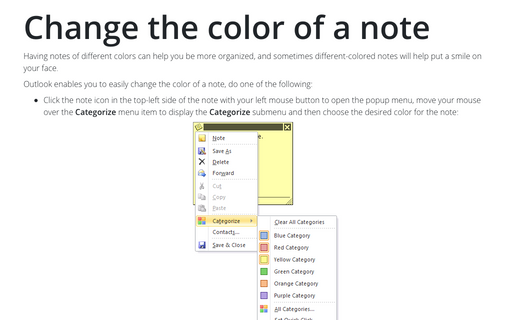
Having notes of different colors can help you be more organized, and sometimes different-colored notes will
help put a smile on your face.
Use AutoCorrect in Outlook
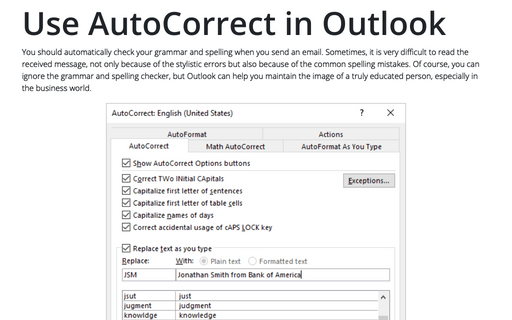
Outlook, like other Office applications, supports AutoCorrect - a feature that allows Outlook to
correct common spelling and typing errors and to replace characters with symbols. You also can use
AutoCorrect as a shortcut, which means you can type a small string of characters and have those
characters replaced by a longer string.
How to change the Mail Count Display
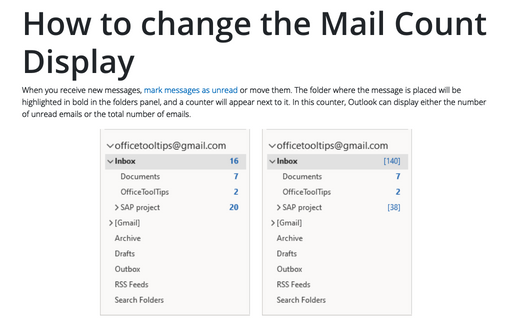
Outlook can display either the number of unread e-mails or the total number of e-mails in a folder alongside
the folder name.
Auto-Reply for all messages without subject
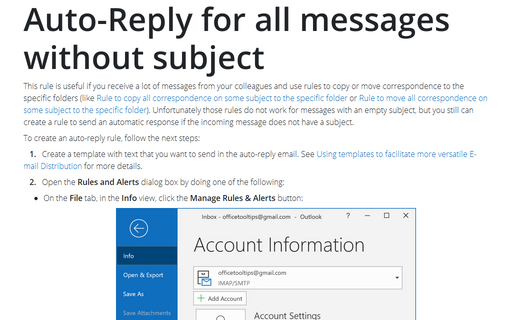
This rule will be useful if you receive a lot of messages (for example, reports) from your colleagues and
use rules to copy or move correspondence to the specific folders (like Rule
to copy all correspondence about some subject to the specific folder or Rule
to move all correspondence about some subject to the specific folder). Unfortunately those rules
wouldn't work for messages with empty subject, but you still can create a rule to send an Auto-Reply if the
message don't have a subject.
Using templates to facilitate more versatile E-mail Distribution
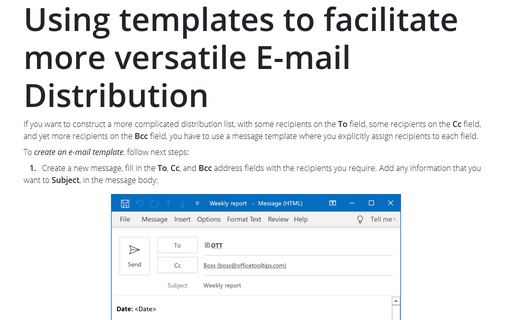
If you want to construct a more complicated distribution list, with some recipients on the To field,
some recipients on the Cc field, and yet more recipients on the Bcc field, you have to use a
message template where you explicitly assign recipients to each field.
Modifying a default view
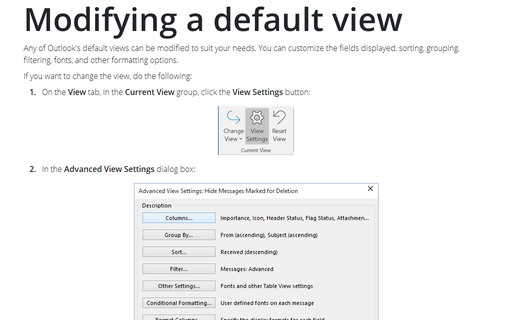
Any of Outlook's default views can be modified to suit your needs. You can customize the fields displayed,
sorting, grouping, filtering, fonts, and other formatting options.
Conditional formatting in Outlook
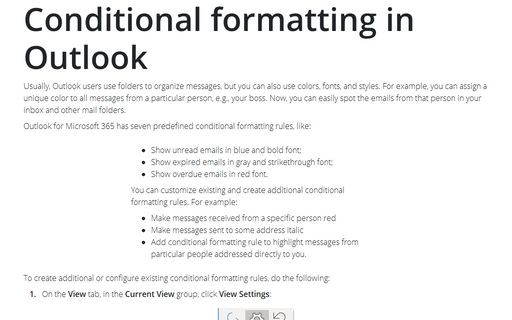
Usually Outlook users are using folders to organize messages, but you can also use colors. For example, you
might apply a special color to all messages from a particular person. You can then see at a glance which
messages are from that person.