Outlook 365
How to create a message using the template
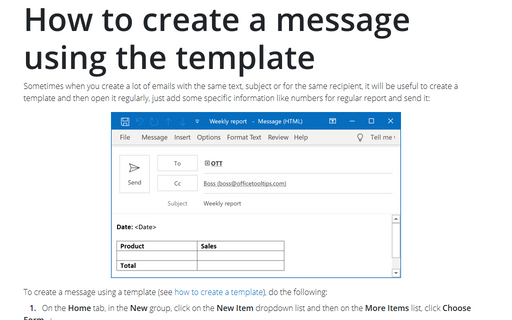
Sometimes when you create a lot of emails with the same text, subject or for the same recipient, it will be
useful to create a template and then open it regularly, just add some specific information like numbers for
regular report and send it:
How to create a template for Outlook messages
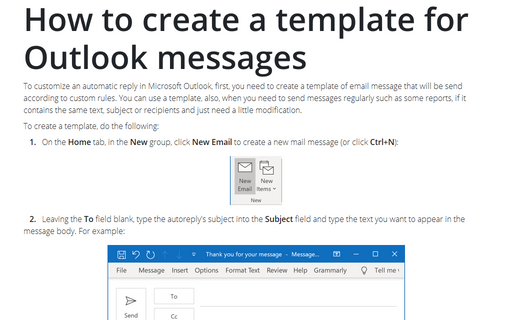
To customize an automatic reply in Microsoft Outlook, first, you need to create a template of email message that
will be send according to custom rules. You can use a template, also, when you need to send messages
regularly such as some reports, if it contains the same text, subject or recipients and just need a little
modification.
Five tricks to customize your mailbox view
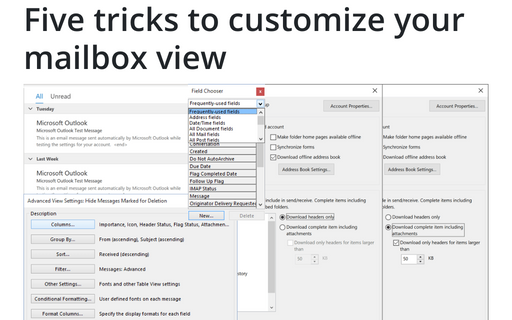
These five simple customizations of Microsoft Office Outlook mailbox view will save you a lot of time and
improve the overall productivity.
How to customize your Outlook messages
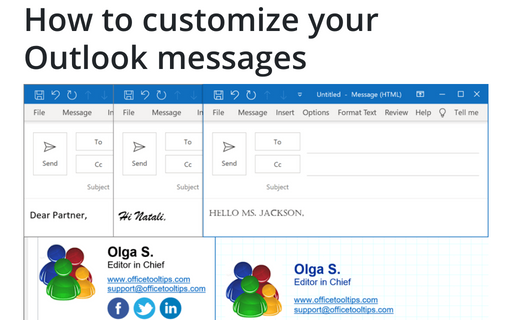
E-mail communications is not plain text anymore and people want to send/receive well-designed email messages. There are many paid services that allow you to create a visually appealing e-mail template, but you can create it yourself using only Outlook.
How to change the default Address Book
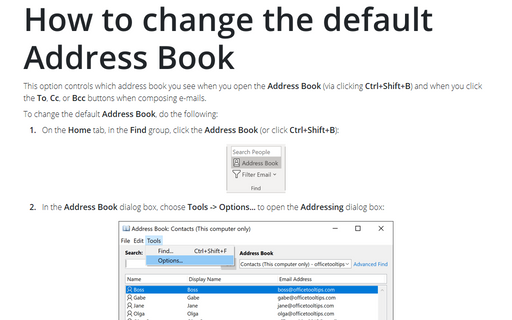
This option controls which address book you see when you open the Address Book (via clicking
Ctrl+Shift+B) and when you click the To, Cc, or Bcc buttons when composing
e-mails.
How to delete holidays and events from the calendar
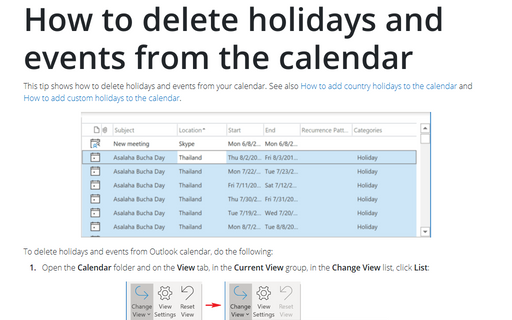
This tip shows how to delete holidays and events from your calendar. See also How to add country holidays
to the calendar and How
to add custom holidays to the calendar.
How to share a calendar in Outlook
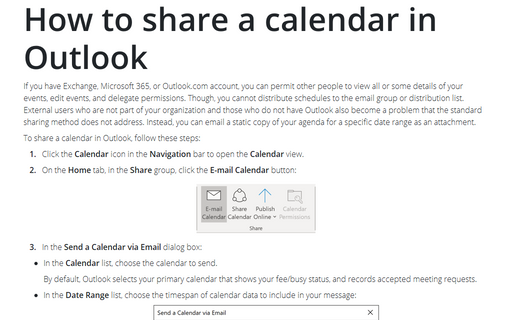
If you have Exchange, Microsoft 365, or Outlook.com account, you can permit other people to view all or some
details of your events, edit events, and delegate permissions. Though, you cannot distribute schedules to
the email group or distribution list. External users who are not part of your organization and those who do
not have Outlook also become a problem that the standard sharing method does not address. Instead, you can
email a static copy of your agenda for a specific date range as an attachment.
How to open received calendar
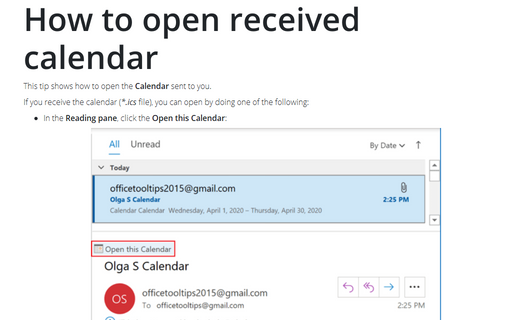
This tip shows how to open the Calendar sent to you.
Outlook command-line switches
There are several Outlook startup switches. The most common switches are listed in this tip.
How to add custom holidays to the calendar
This tip shows how to create and add custom holidays, for example, of your company to the Outlook calendar.